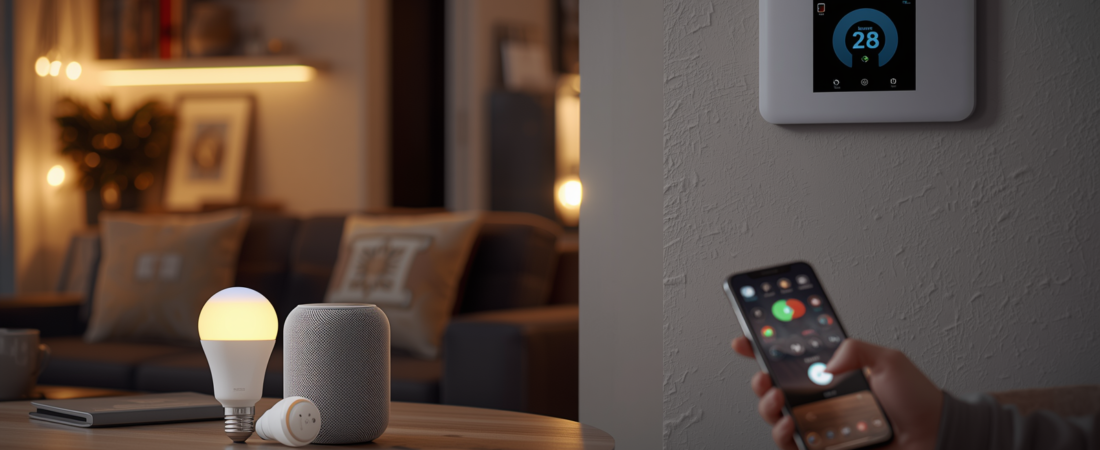
Just ten years ago, talking about a smart home conjured up images of futuristic mansions or science fiction movies. Today, for less than €200 and a couple of hours of setup, any apartment can be transformed into an automated home that responds to your voice, saves energy, and gives you complete control from your mobile phone. If you’re thinking about making the switch but don’t know where to start, this guide is for you.
Let’s go through the whole process together: what a smart home really is, what you need to get started, which devices are the most useful, and how to avoid the typical mistakes of someone automating their home for the first time.
What exactly is a smart home?
A smart home is a home where everyday devices and systems are connected to the internet and can be remotely controlled, programmed, or automated to operate without human intervention. This includes lights that turn on automatically when you arrive home, thermostats that learn your schedule, smart plugs that measure energy consumption, and locks that open with your phone.
The common denominator of all these devices is the communication protocol: WiFi, Zigbee, Z-Wave, or Thread. While this may sound technical, in practice you simply choose a central ecosystem like Amazon Alexa, Google Home, or Apple HomeKit and purchase devices compatible with it.
Step 1: Choose your core ecosystem
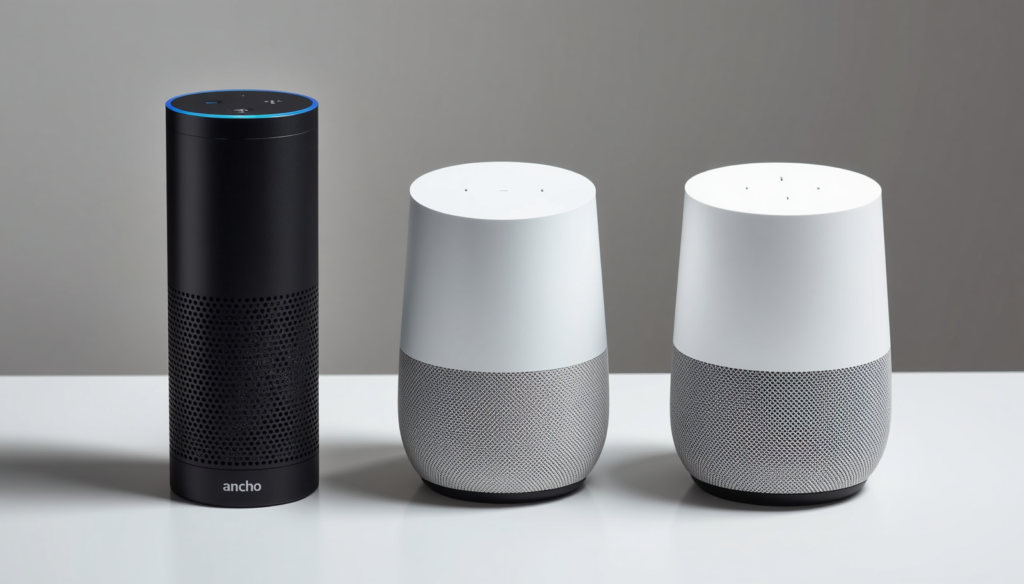
The ecosystem is the operating system of your smart home. Everything else revolves around it. The three main options are Amazon Alexa, Google Home, and Apple HomeKit. Each has distinct advantages: Alexa is the most compatible with third-party devices and is usually the cheapest to implement; Google Home integrates best with Google services like Calendar and YouTube; Apple HomeKit offers the highest level of privacy and works offline for many functions, but requires more expensive devices.
If you have an Android device, Google Home or Alexa are natural choices. If you’re an iPhone or Mac user, HomeKit will give you the best experience. The important thing is to choose one and be consistent with your purchases.
Step 2: Start with smart lighting
Lighting is the perfect entry point for home automation. Smart bulbs are installed like any regular bulb, require no additional wiring, and their impact on daily life is immediate. Brands like Philips Hue, IKEA Trådfri, and Govee offer options for every budget.
With smart bulbs, you can program lights to turn off automatically at midnight, create color schemes for different times of day, turn them on or off remotely from anywhere in the world, or activate them with motion sensors. The initial investment is around €15-40 per bulb, with starter kits starting at €60.
Step 3: Add a smart speaker
The smart speaker is the central hub of your smart home. A fourth-generation Amazon Echo costs around €50 and lets you control all compatible devices with your voice, play music, make calls, check the weather, or create automated routines. The Google Nest Audio and the Apple HomePod mini are its equivalents in other ecosystems.
Once the speaker is set up, controlling your home is as simple as saying: ‘Alexa, turn off all the lights’ or ‘Hey Google, set the heating to 21 degrees’.
Step 4: Smart thermostat to save energy
The smart thermostat is probably the device with the best return on investment in all home automation. Models like the Tado V3+ or the Google Nest Thermostat learn your routines in just a few days and automatically optimize heating or air conditioning consumption. Users who install a smart thermostat report savings of between 15% and 30% on their energy bills.
Installation is straightforward in most homes with a gas boiler or heat pump. These devices range in price from €80 to €200, an investment that is typically recouped in less than a year.
Step 5: Smart security
Once lighting and climate control are covered, the next logical step is security. A smart lock like the Nuki Smart Lock allows you to open and close the door from your mobile phone, create temporary digital keys for visitors or delivery drivers, and receive notifications whenever someone enters. It installs over the existing lock without modifying the cylinder, making it perfect for rental properties.
Complement the lock with a video surveillance camera such as those from Reolink or Eufy, which allow you to see in real time what is happening at the entrance or in any room and save recordings in the cloud or on a local SD card.
Essential devices to get started
- Smart bulbs: Philips Hue White, IKEA Trådfri or Govee (€15-40 per unit)
- Smart speaker: Amazon Echo, Google Nest Audio or Apple HomePod mini (€40-100)
- Smart plug: TP-Link Tapo P110 with energy meter (€15-20)
- Smart thermostat: Tado V3+ or Google Nest Thermostat (€80-200)
- Smart lock: Nuki Smart Lock 3.0 (€120-160)
- Security camera: Reolink E1 Pro or Eufy Indoor Cam (€30-€60)
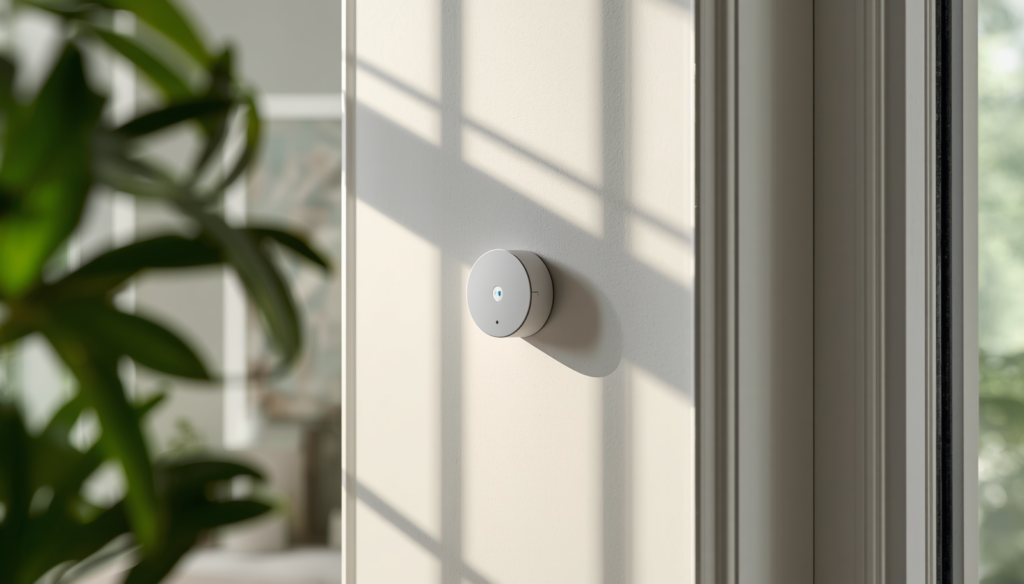
- Motion sensor: Aqara Motion Sensor (€20-30)
Practical tips before buying
The first piece of advice is not to try to automate everything at once. Choose one room or one specific function, implement it well, and then expand. Many people buy dozens of devices and get lost in the setup process.
The second tip is to always check compatibility before buying. Not all devices work with all ecosystems. Look for the ‘Works with Alexa’, ‘Works with Google Home’, or ‘HomeKit compatible’ logo on the box or in the product specifications.
The third is to opt for established brands. The home automation market is full of unknown brands that stop updating their apps after just a few years. Philips, TP-Link, Google, Amazon, IKEA, and Bosch offer a greater guarantee of continuity and support.
How much does it cost to make your home smart?
The cost depends entirely on how much you want to automate. A basic setup with a speaker, four light bulbs, two smart plugs, and a motion sensor can cost between €150 and €250. A fully automated home with a thermostat, locks, cameras, a robot vacuum cleaner, motorized blinds, and a smart irrigation system can exceed €2,000.
The good news is that home automation is completely modular: you can add devices gradually, without needing to make a large upfront investment. Many users start with a speaker and two light bulbs and expand the system over the years.
Conclusion
Making your home smart is easier and more affordable than you might think. The key is choosing an ecosystem from the start, beginning with low-cost devices like light bulbs and plugs, and gradually expanding the system. The result is a more comfortable, safer, and, above all, more energy-efficient home. It’s a worthwhile investment.
Frequently asked questions
Do I need technical knowledge to install a smart home?
No. Most modern smart devices are designed to be installed without technical expertise. An Amazon Echo speaker or Philips Hue bulbs can be set up in minutes by following the instructions in the official app.
Does a smart home work without internet?
It depends on the ecosystem. Apple HomeKit allows you to control many devices on your local network without an internet connection. Alexa and Google Home require a connection for most remote functions, although some local automations may still work.
Is home automation secure against hacking?
Yes, provided you use strong passwords, keep your devices’ firmware updated, and avoid unknown brands without security updates. Large ecosystems like Alexa, Google Home, and HomeKit have robust encryption protocols.
Can I install home automation in a rental apartment?
Yes. Most smart devices don’t require any construction work: compatible light bulbs, plugs, thermostats, and locks like Nuki are installed without any permanent changes to the home.
Posts relacionados
Homes with predictive AI for pets: when the house learns before you do
May 26 , 2026
Self-learning assistants: how predictive AI is taking home automation beyond manual programming to create homes that adapt to each pet's…
Read moreHow to save energy with home automation
May 26 , 2026
The electricity bill remains one of the biggest fixed household expenses. And while it's impossible to eliminate it, home automation…
Read more